Built for the way you actually operate
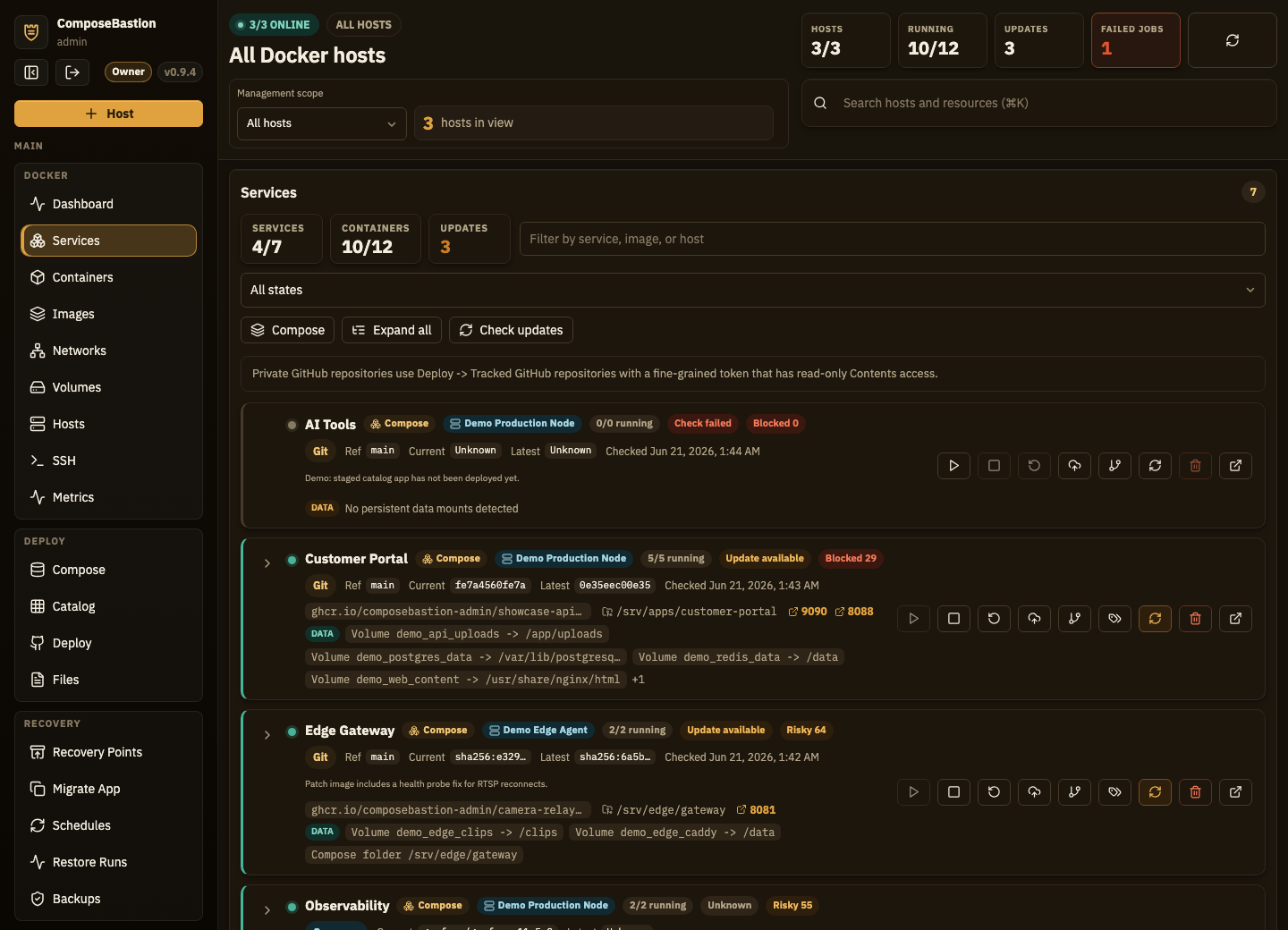
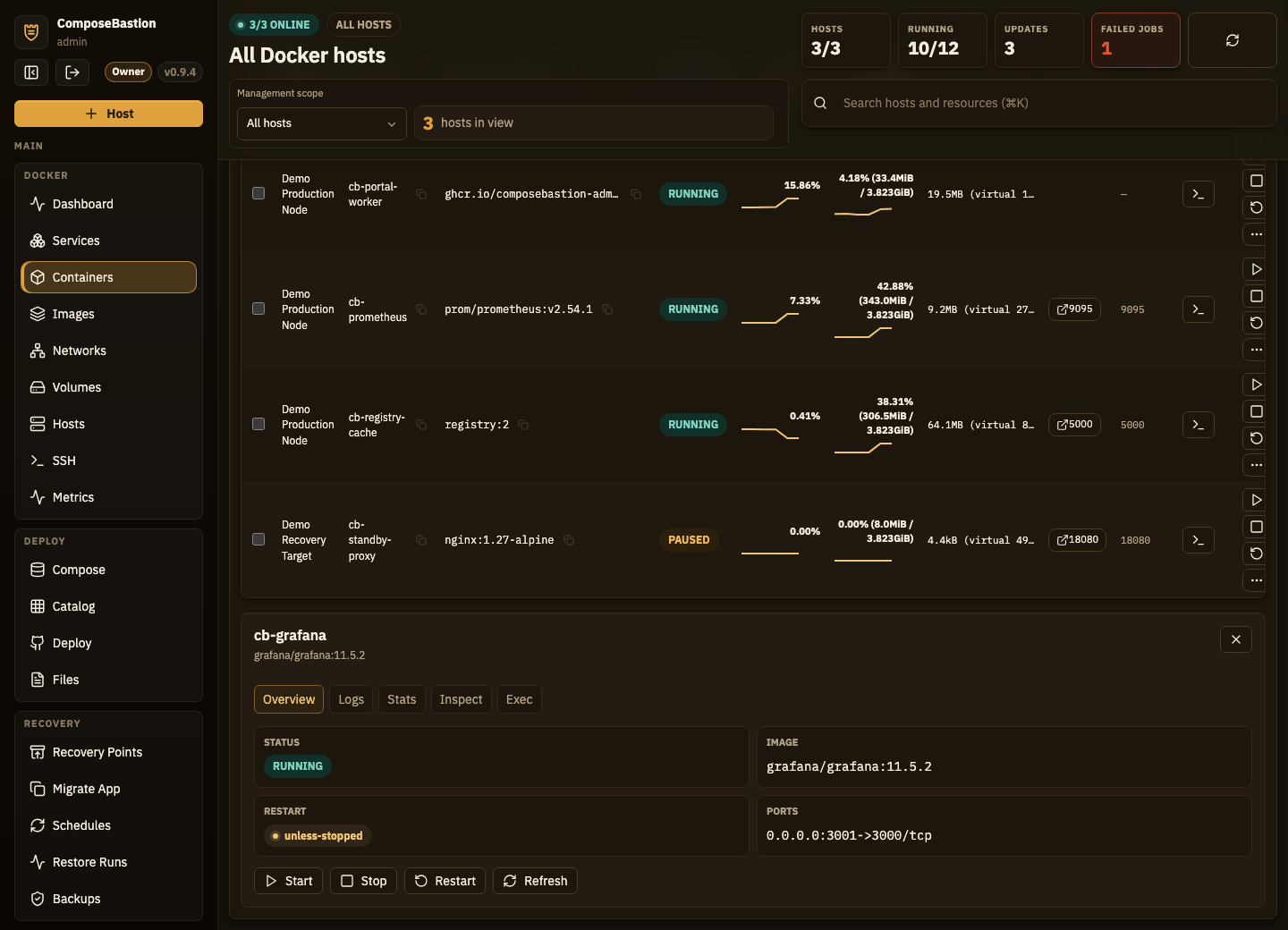
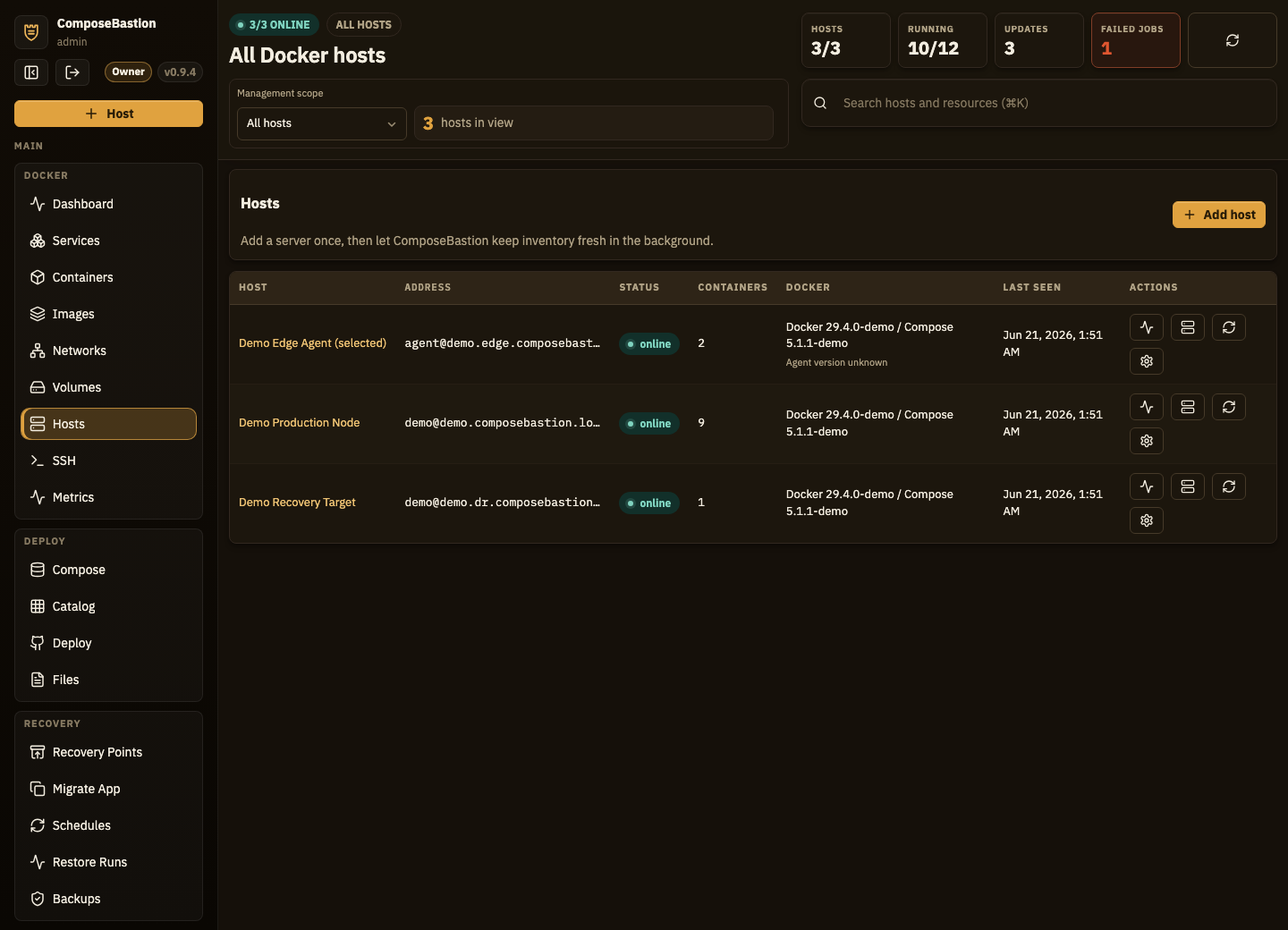
Day-to-day operations live in one workspace, so source, status, versions, ports, and lifecycle actions stay together.
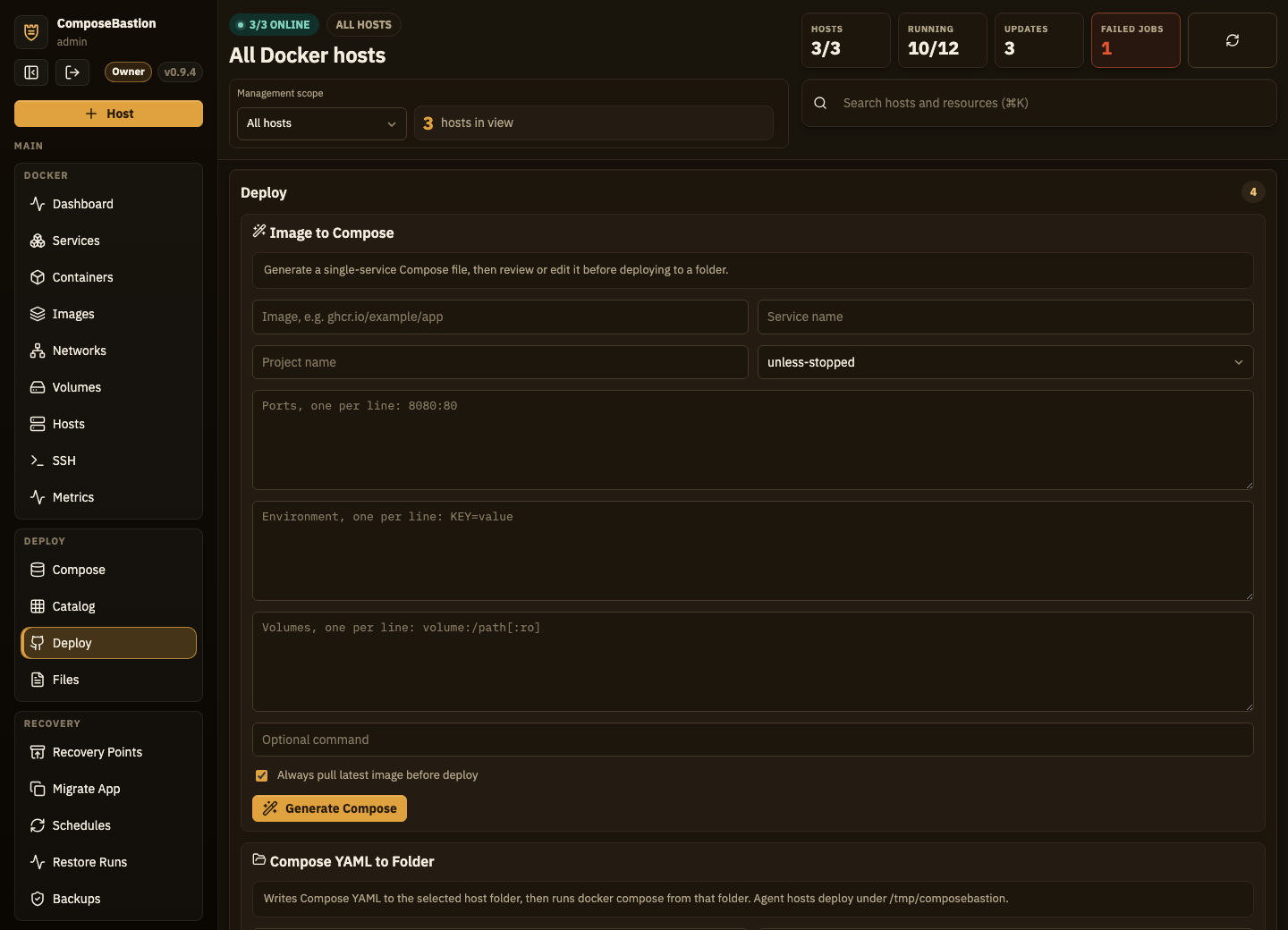
Deploy from a Git URL, update with one click
Paste a repository, preview the Compose file from the chosen branch, override .env values, and deploy. Standalone containers and discovered Compose projects show up as managed stacks automatically.
- Preview before deploy — pull the Compose file and edit YAML + env before anything runs.
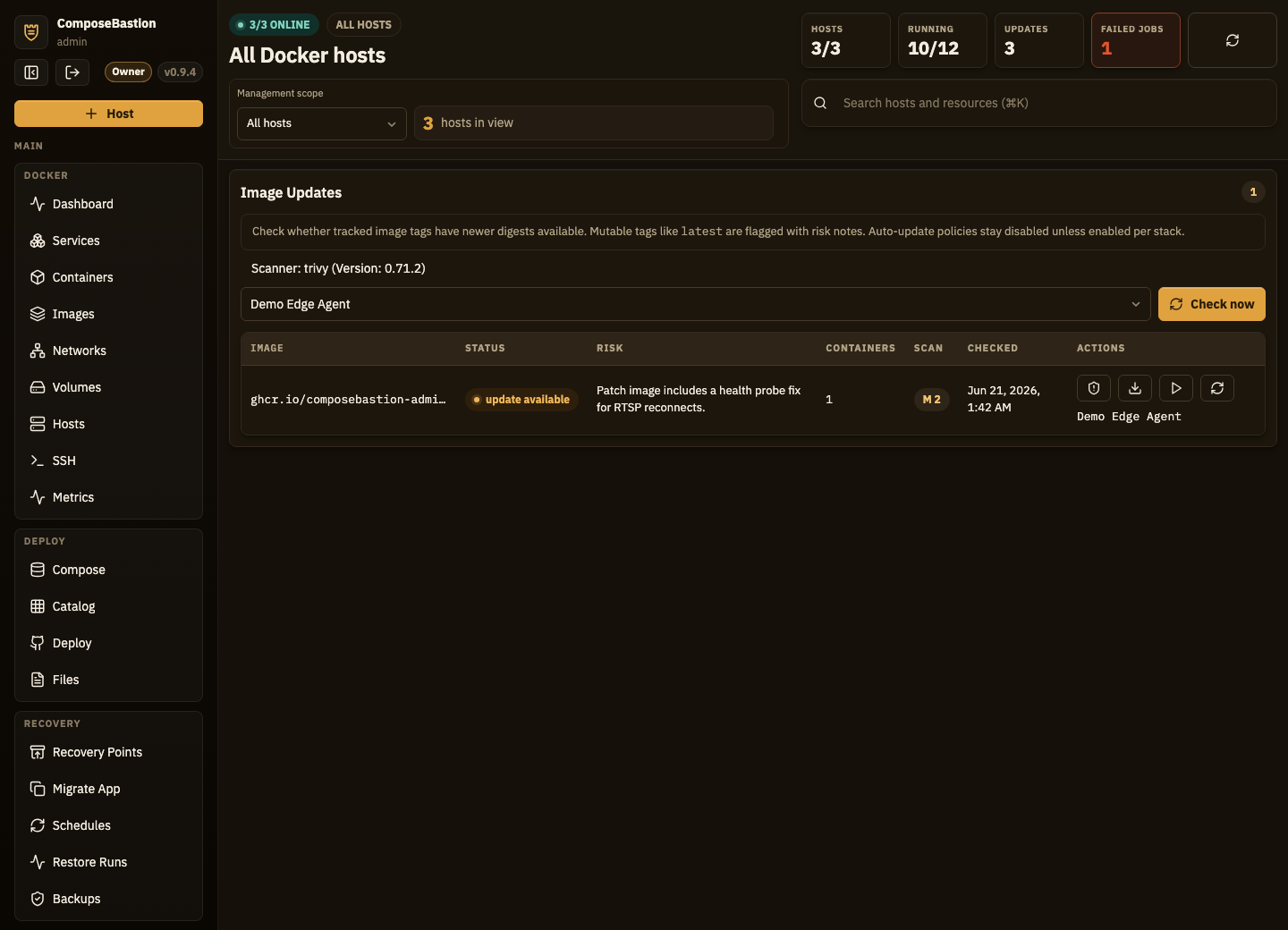
- Commit-based update tracking — see current vs latest from git commits or image digests.
- Auto-discovery — projects deployed outside ComposeBastion are reconciled against real container state.
- Private repos — track private GitHub repos with encrypted, read-only fine-grained tokens.
Know you can recover — before you have to
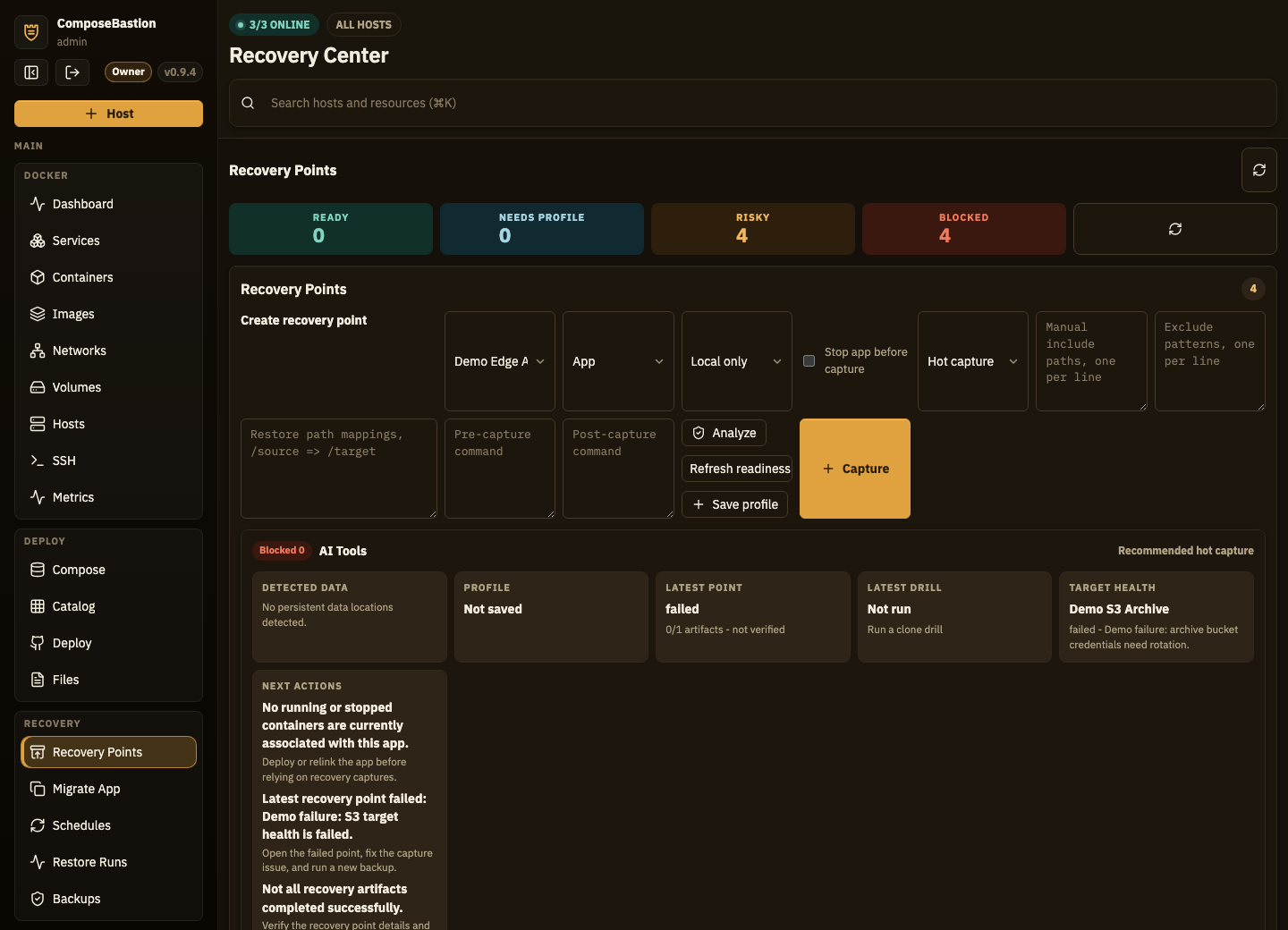
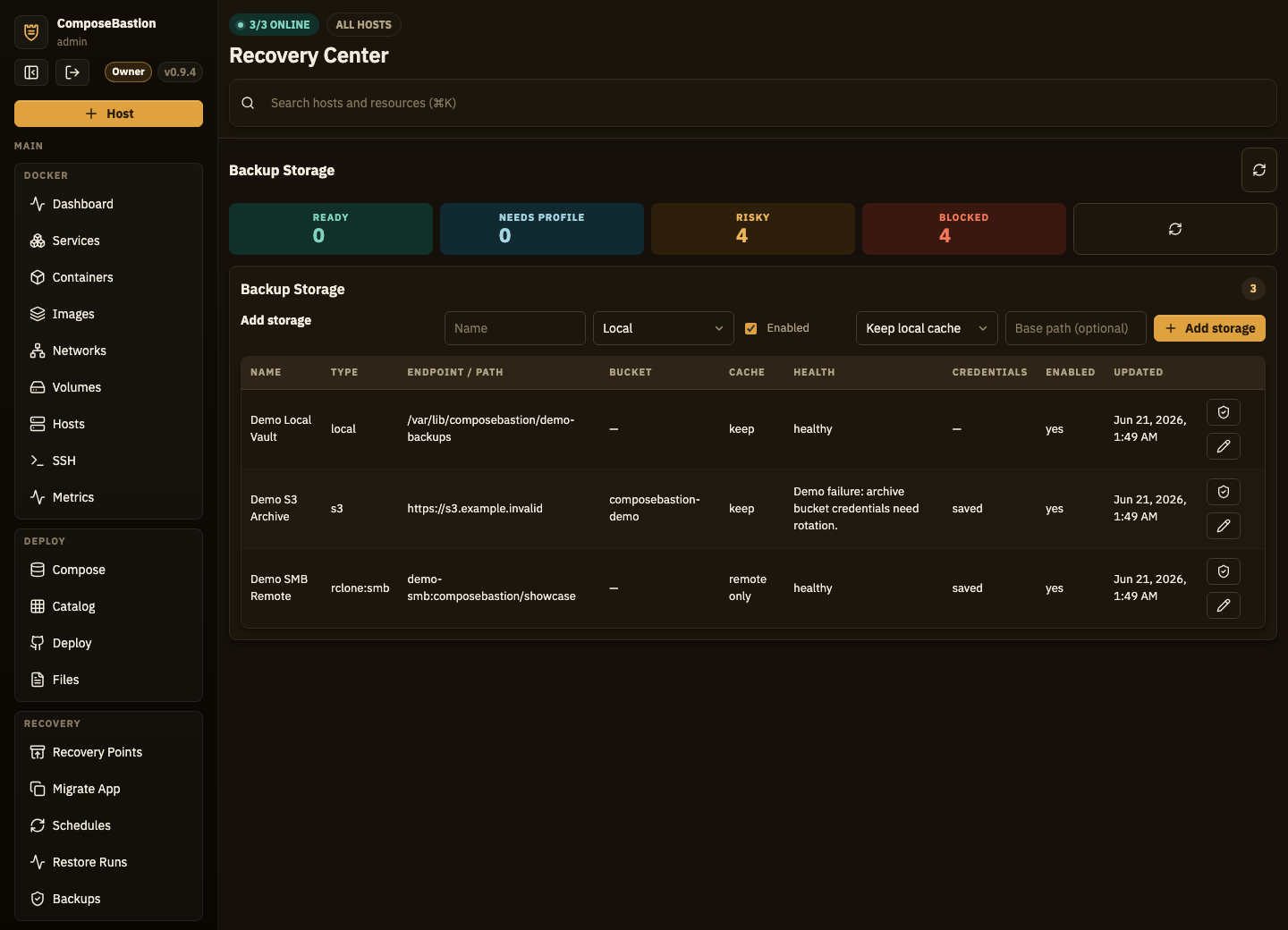
ComposeBastion analyzes each app for named volumes, bind mounts, Compose folders, and database-like risks, then scores how recoverable it is. Backups, recovery points, and restore drills keep that score honest.
- Readiness scores — ready, needs_profile, risky, or blocked for every app.
- Restore drills — clone-only test restores that never touch live workloads.
- Off-host targets — SMB via rclone, imported cloud targets, S3, with remote_only verification.
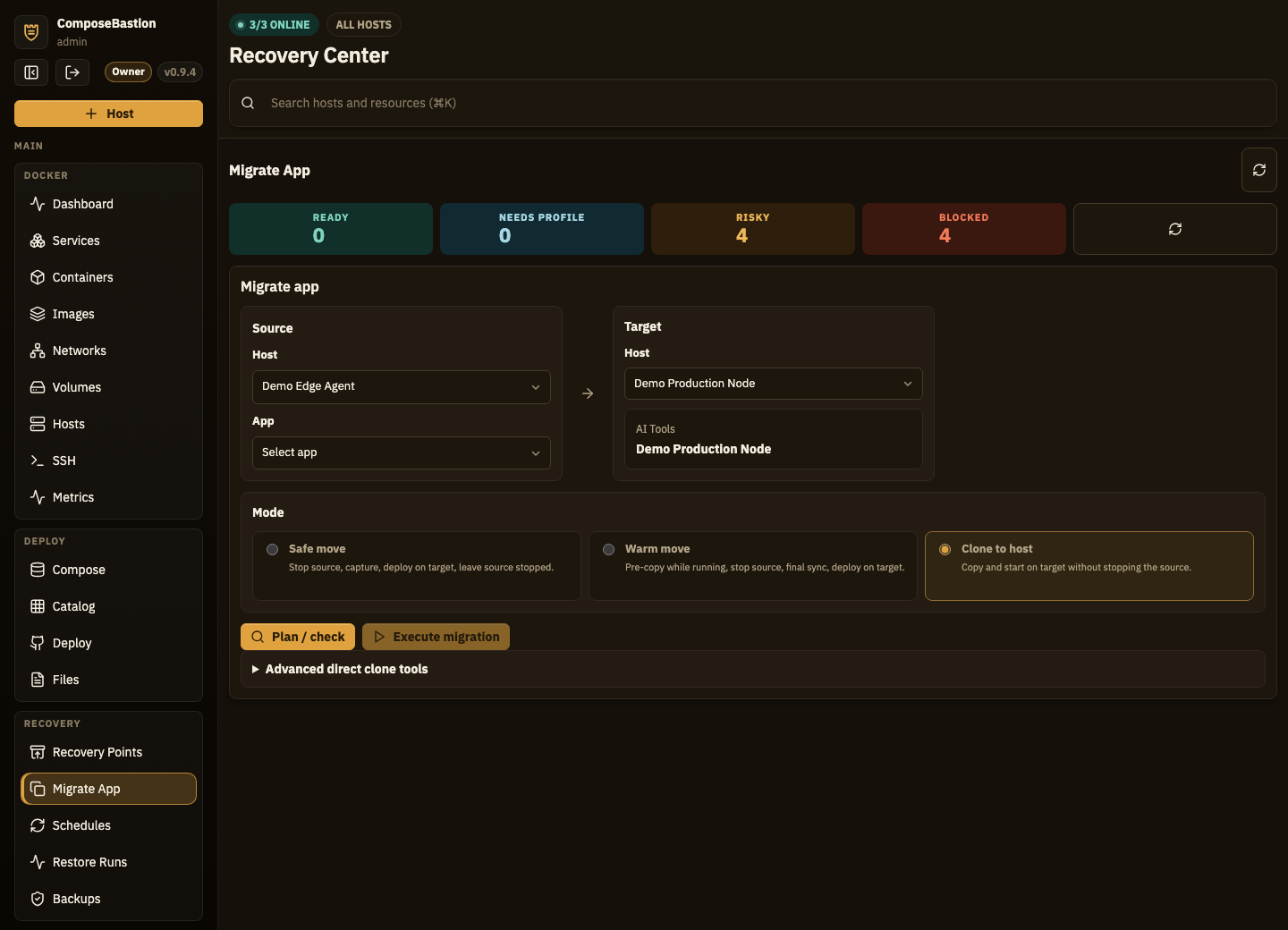
- Host-to-host migration — plan clones and moves, then run audited restore jobs.
Watch the whole fleet, get told before it breaks
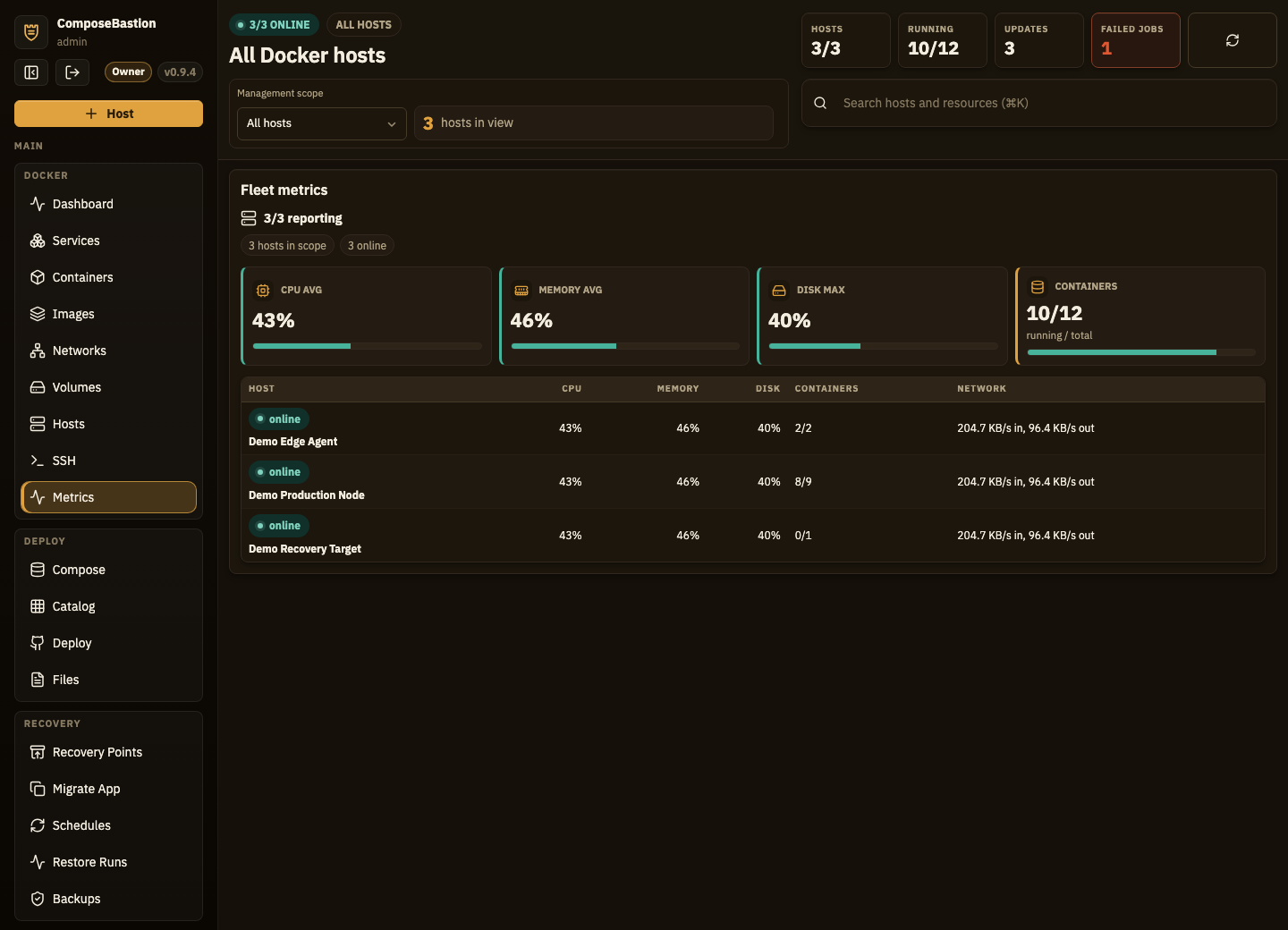
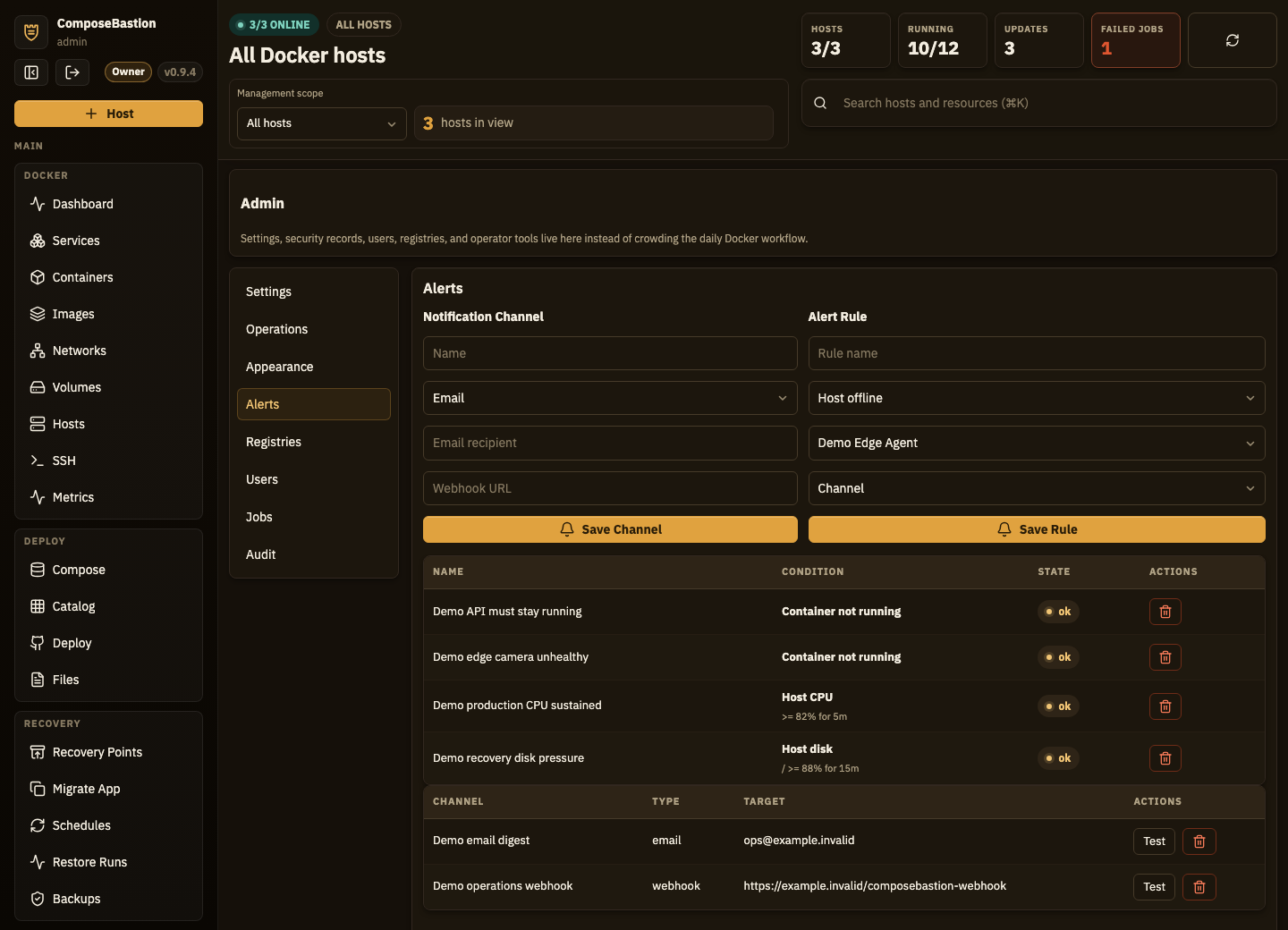
Per-host gauges, sparklines, and per-mount disk usage for SSH and agent hosts. Threshold alerts evaluate on the worker tick with breach-duration tracking, then fan out to email and webhooks.
- CPU, load, memory, swap, disk, network, uptime — live, per host.
- Shared snapshots — multiple viewers reuse one cached per-host reading.
- Breach-duration tracking — alerts fire on sustained thresholds, not single spikes.
See the whole console
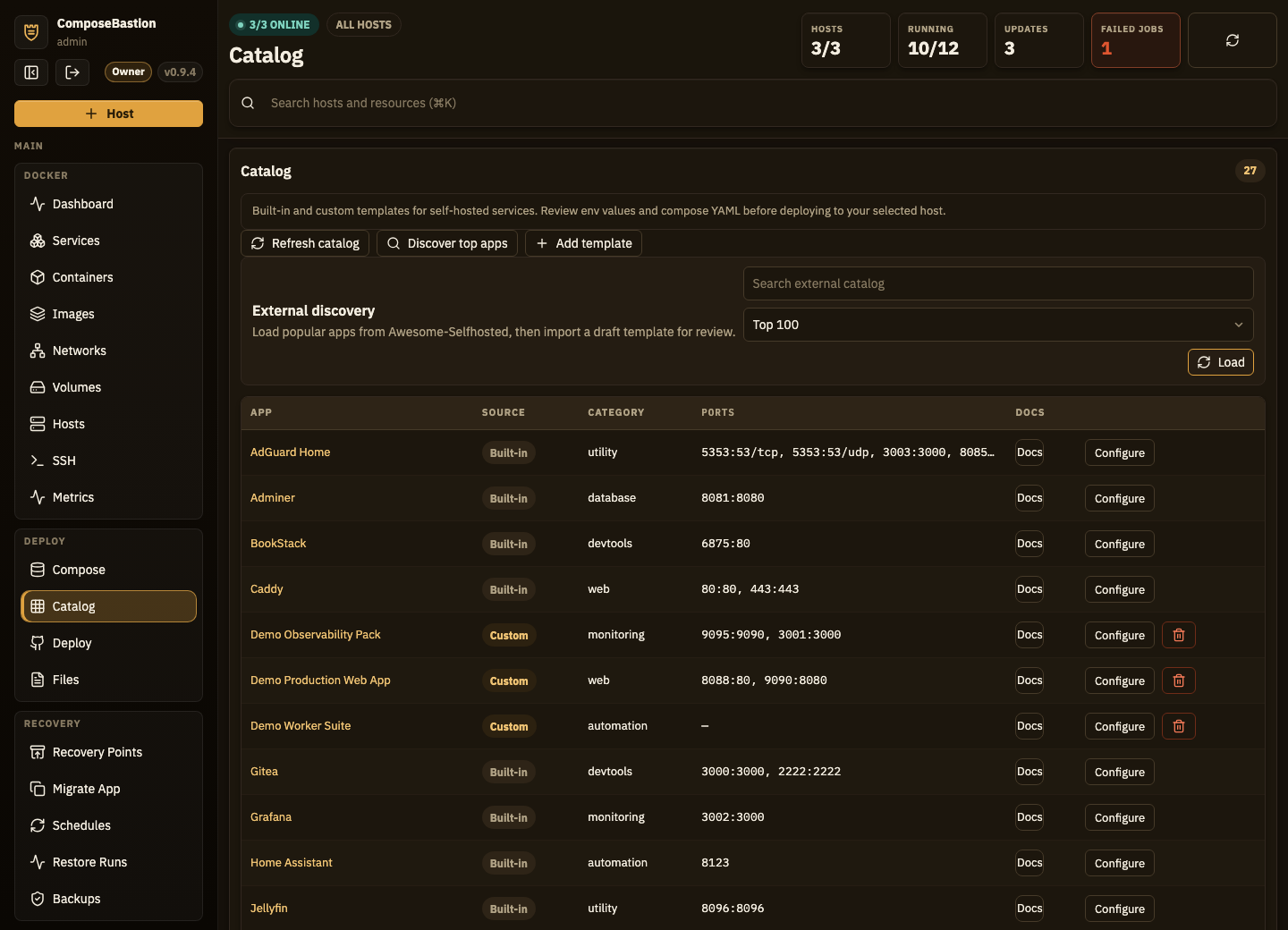
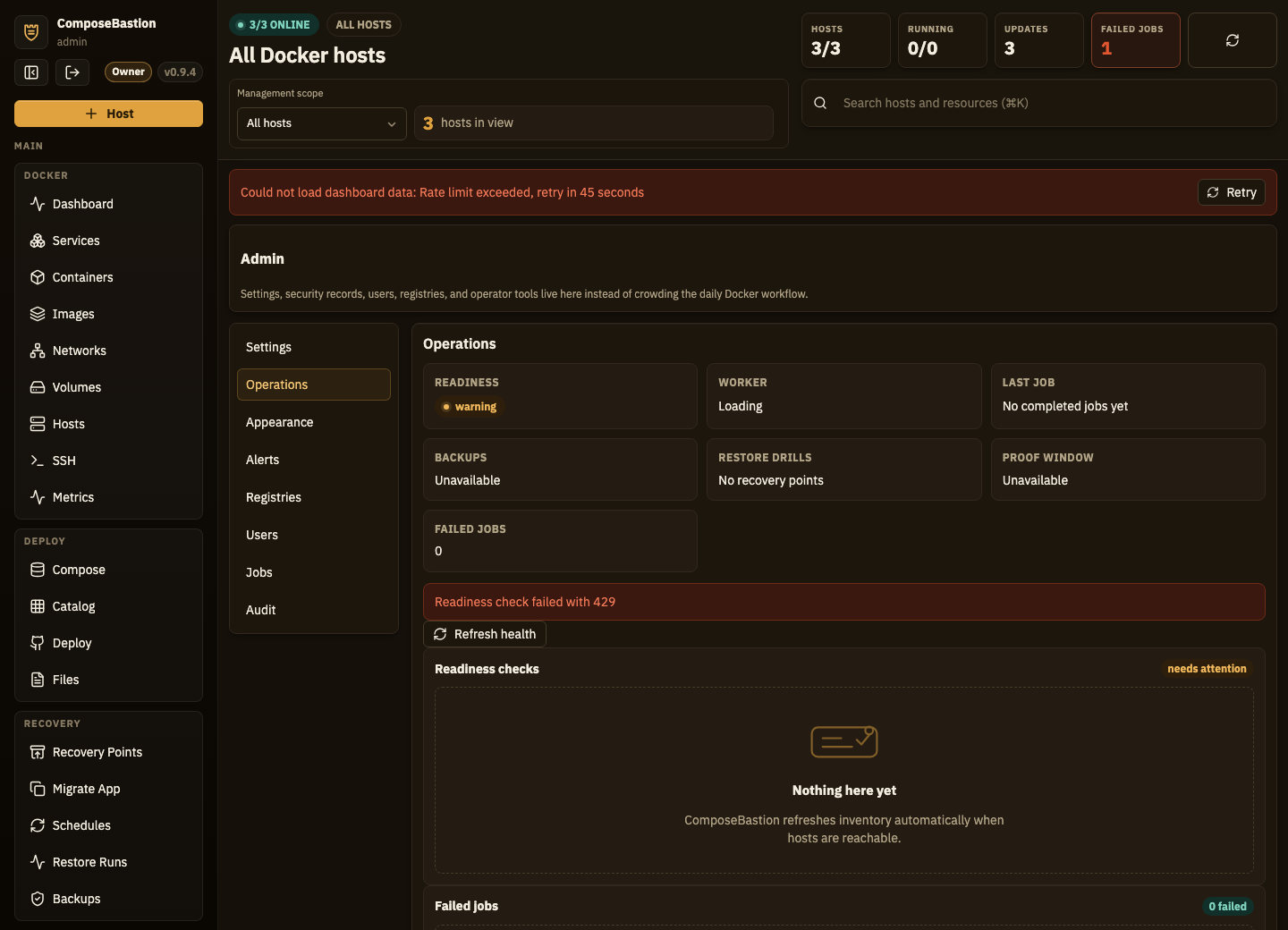
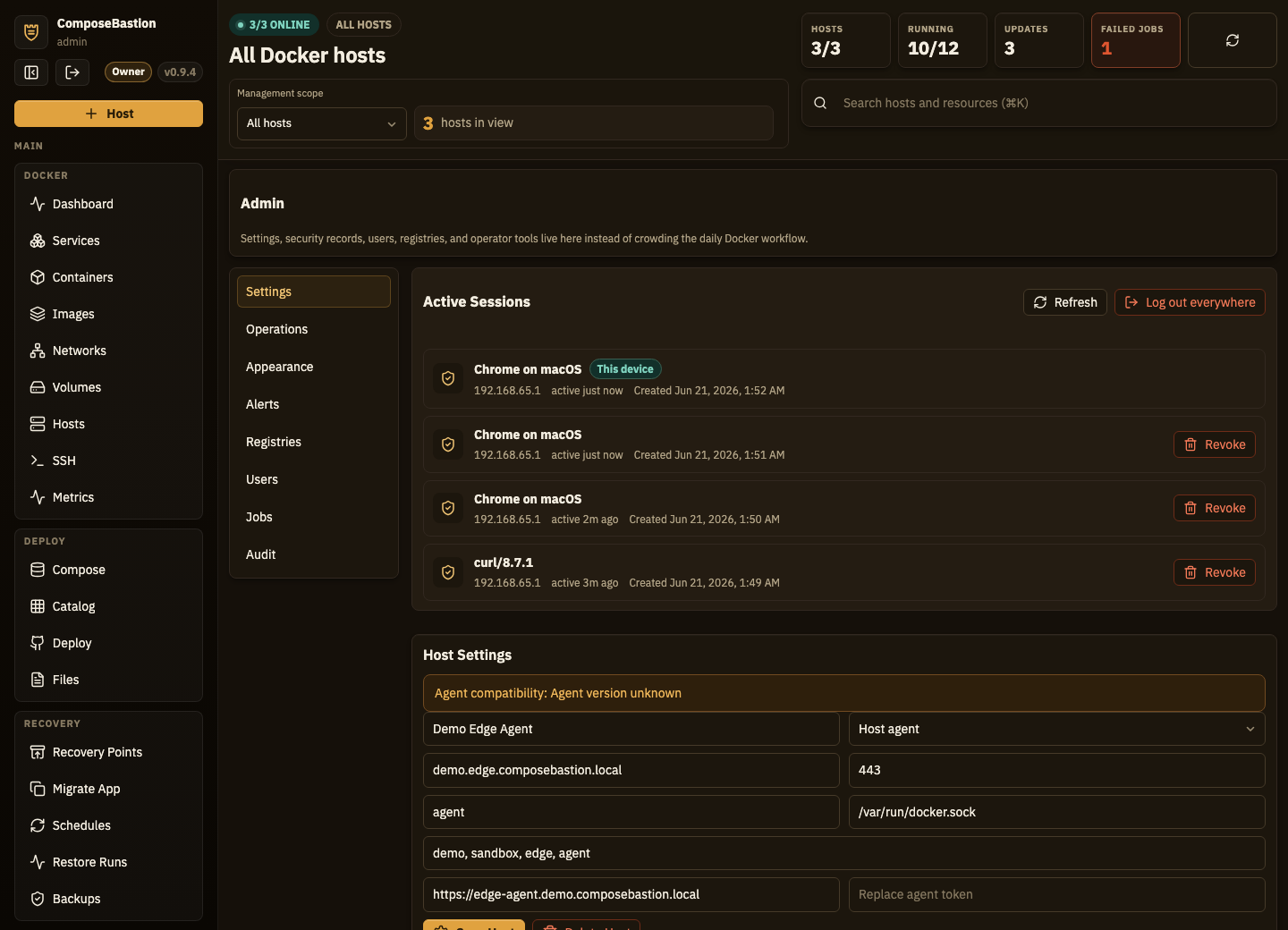
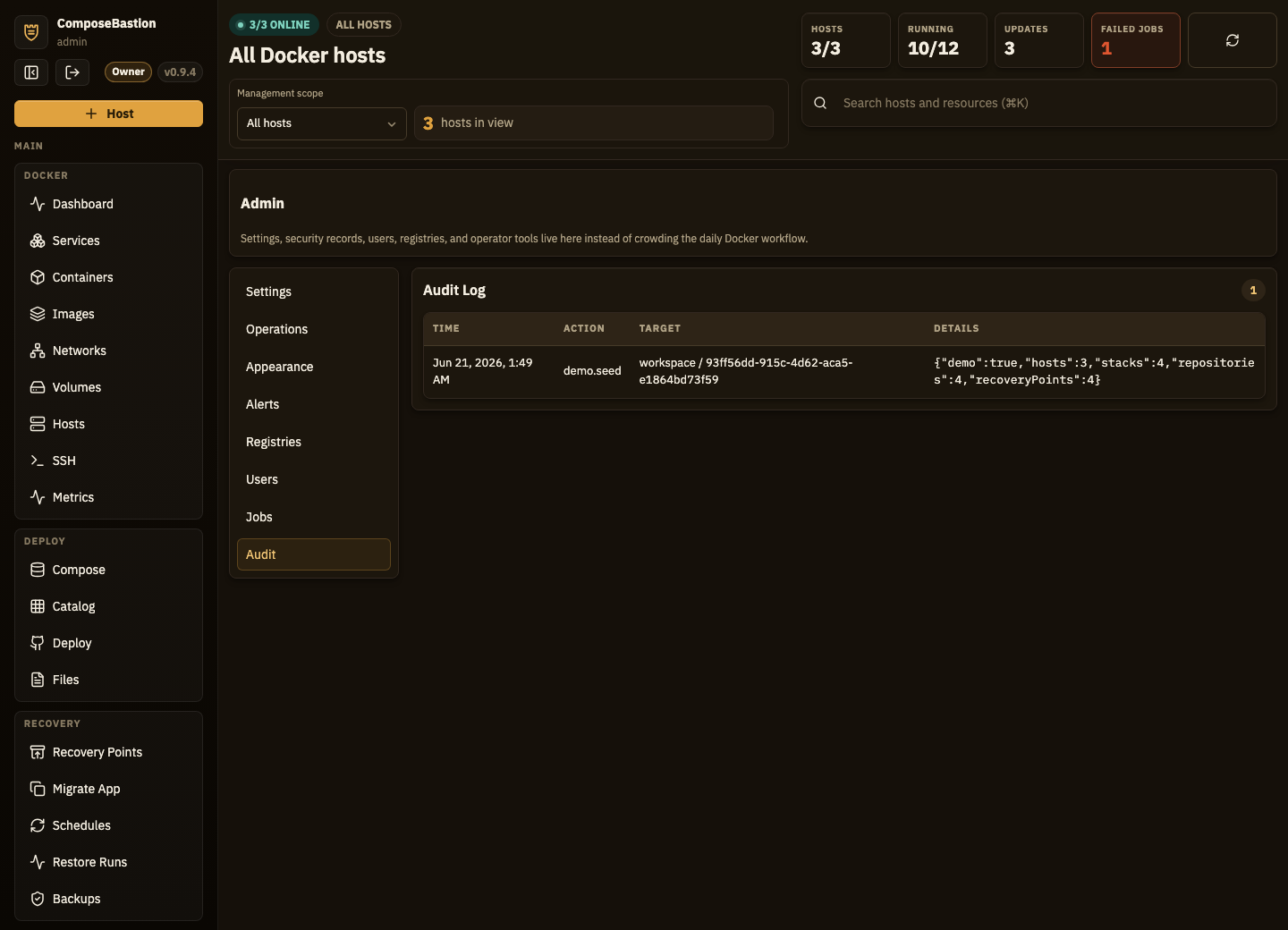
Real screenshots from ComposeBastion — click any to take a closer look.
Powerful enough for production, friendly enough for a homelab
ComposeBastion is designed so the easy things stay easy — even when you're managing dozens of containers across many hosts.
Keyboard shortcuts
Global search and quick navigation keep your hands on the keyboard.
Demo workspace
Spin up sample hosts, jobs, and backups on first launch — explore before connecting a real server.
Left-side workspace nav
A simple, friendly main layout that scales from one box to a full fleet.
Bounded big tables
Containers, images, jobs, and audit lists render smoothly even on large datasets.
Contextual explanations
In-UI guidance for Docker networks, ports, Compose variables, and backups.
Works on mobile
Responsive navigation and panels so you can check the fleet from your phone.
Reduced-motion & a11y
Focus visibility, contrast checks, and reduced-motion mode are first-class.
Catalog templates
Built-in guidance plus Awesome-Selfhosted discovery to import apps as reviewable drafts.
Self-host it in minutes
Clone, set two secrets, and bring up the stack. Run it behind your own reverse proxy — your servers, your data, nothing leaves your network.
Requires Docker Engine & Compose v2, Git, and OpenSSL. Postgres + Redis ship in the stack. Current release: v0.9.4.
Bring order to your Docker fleet
Self-host it on your homelab today, or tell us about your business setup and we'll get you early access with founder pricing.